CKEditor 5 TextSelection Module Preserves Cursor State Between Editing Modes

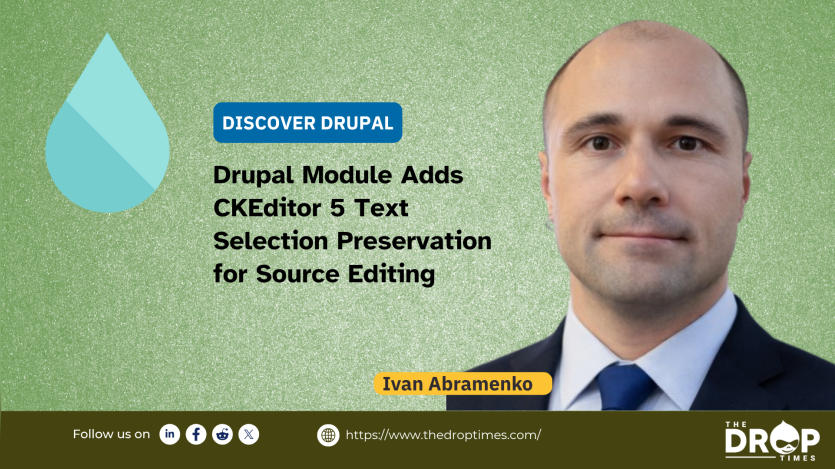
Drupal developer Ivan Abramenko has released the CKEditor 5 TextSelection module for Drupal, adding cursor and text-selection preservation support when users switch between WYSIWYG and source editing modes in CKEditor 5.
The module integrates the CKEditor 5 Text Selection plugin into Drupal’s CKEditor 5 editor and addresses a recurring editing problem where cursor placement or selected text is lost after toggling between visual editing and raw HTML source views. According to the project documentation, the module also keeps the selected region visible inside the viewport after mode changes, reducing the need for manual repositioning.
The release is relevant to Drupal editors and developers who regularly switch between formatted and source editing workflows. Sites using CKEditor 5 Source Editing often require direct HTML adjustments for embedded elements, layout debugging, or markup corrections. Losing cursor position during those transitions can interrupt editing flow, particularly in longer documents.
When switching from WYSIWYG mode to source editing mode, the plugin maps the active cursor position or selected text from the CKEditor 5 editor model to the corresponding location in the HTML source view. Returning to WYSIWYG mode restores the cursor or selection inside the rich-text editor. The project documentation states that mapping failures are handled silently to avoid editor crashes.
Documented features include preserving cursor position across editing modes, restoring full-text selections rather than only cursor position, automatic scrolling to keep selections visible, and compatibility with the CKEditor 5 CodeMirror Source Editing plugin. The implementation is described as functionally similar to the earlier CKEditor 4 Text Selection plugin.
The module requires CKEditor 5 Source Editing to be enabled within Drupal text format configuration settings. After installation, site administrators can enable the Text Selection plugin through CKEditor 5 plugin settings without additional configuration steps.
Discussion around the release on LinkedIn highlighted the practical workflow impact of the feature for editors working with large documents. Drupal developer and consultant Ivan Zugec commented that cursor preservation becomes particularly noticeable when navigating extensive HTML content and locating specific markup regions inside source editing interfaces.
The project description also references related upstream tooling, including the CKEditor 5 Text Selection JavaScript plugin and the CKEditor 5 CodeMirror Source Editing project. The Drupal.org documentation credits the DrupalBook agency with creating the Drupal integration.
More information, installation instructions, and release details are available on the Drupal.org project page.


ASK: Drupal Community Needs Your Support
View all →
Disclosure: This content is produced with the assistance of AI.
Note: The vision of this web portal is to help promote news and stories around the Drupal community and promote and celebrate the people and organizations in the community. We strive to create and distribute our content based on these content policy. If you see any omission/variation on this please reach out to us at #thedroptimes channel on Drupal Slack and we will try to address the issue as best we can.

Related Organizations

Related People


You may also like