Drupal Deployment: Hosting Securely on SCloud's VPC Environment

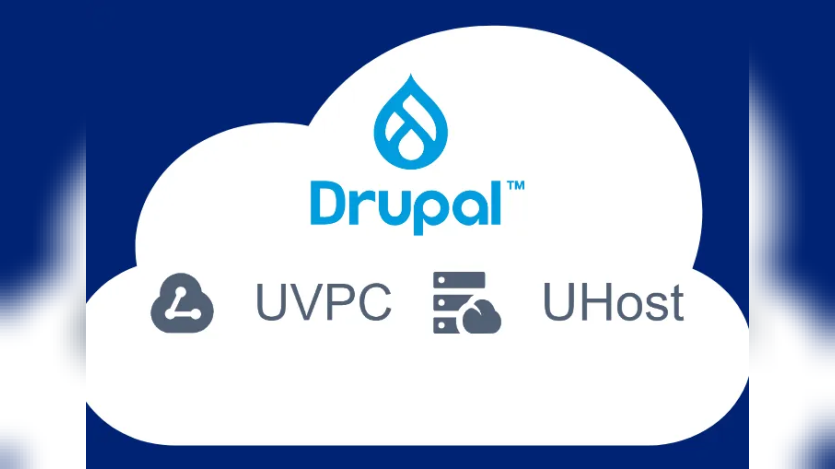
Deploying Drupal within a Virtual Private Cloud (VPC) through SCloud offers various advantages, catering to scalability, high availability, and simplified management, as per their latest article. The platform fosters an adaptable infrastructure that can seamlessly accommodate surges in website traffic, thus minimizing downtimes and removing the need for strenuous hardware maintenance.
Furthermore, the cloud environment features inherent security attributes, automated backups, and streamlined resource management. This integration not only simplifies the installation process but also proves to be a pragmatic choice for developers and businesses seeking a dependable and cost-effective hosting solution for their Drupal websites.
The procedural guideline to initiate Drupal within the SCloud VPC environment emphasizes the creation of a VPC as the initial step. This VPC aims to segregate resources and establish a secure setting for hosting Drupal. Employing the SCloud Console, users can configure and fine-tune a cloud computing instance, customizing OS settings as needed.
The subsequent stages encompass imperative procedures, including system updates, MariaDB installation, PHP setup, and Apache server configuration, paving the way for Drupal installation on the designated instance. Tailoring Apache to accommodate Drupal and accessing the website via the instance's IP constitute essential phases. However, fortifying the site with security measures, optimizing performance, and implementing monitoring, maintenance, and backup protocols are vital for fostering a robust Drupal hosting environment within the cloud infrastructure.
To learn more and for the step-by-step tutorial, refer this link.
ASK: Drupal Community Needs Your Support
View all →
Disclaimer: The opinions expressed in this story do not necessarily represent that of TheDropTimes. We regularly share third-party blog posts that feature Drupal in good faith. TDT recommends Reader's discretion while consuming such content, as the veracity/authenticity of the story depends on the blogger and their motives.
Note: The vision of this web portal is to help promote news and stories around the Drupal community and promote and celebrate the people and organizations in the community. We strive to create and distribute our content based on these content policy. If you see any omission/variation on this please reach out to us at #thedroptimes channel on Drupal Slack and we will try to address the issue as best we can.

Related Organizations

You may also like