Efficient PHP Installation on Mac

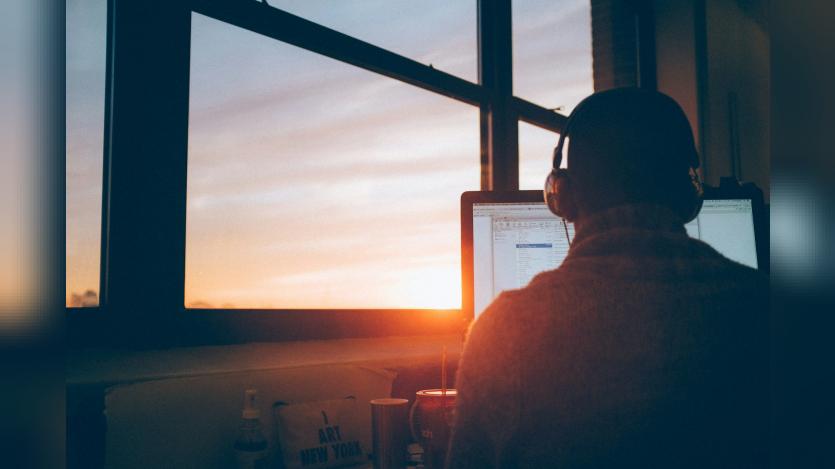
Frederick Taylor provides a step-by-step guide for installing PHP on a Mac, emphasizing the use of Homebrew for ease and efficiency. Users begin by installing Homebrew via the Terminal with a specific command, followed by installing PHP using 'brew install php'. Verification of the installation is done by running 'php -v', and any necessary configurations can be made by editing the 'php.ini' file, located using 'php --ini'. To start the PHP server, users can run 'php -S localhost:8000' and access their application through a web browser. Frederick suggests considering Servbay as a more integrated solution for those facing difficulties.
ASK: Drupal Community Needs Your Support
View all →
Disclosure: This content is produced with the assistance of AI.
Disclaimer: The opinions expressed in this story do not necessarily represent that of TheDropTimes. We regularly share third-party blog posts that feature Drupal in good faith. TDT recommends Reader's discretion while consuming such content, as the veracity/authenticity of the story depends on the blogger and their motives.
Note: The vision of this web portal is to help promote news and stories around the Drupal community and promote and celebrate the people and organizations in the community. We strive to create and distribute our content based on these content policy. If you see any omission/variation on this please reach out to us at #thedroptimes channel on Drupal Slack and we will try to address the issue as best we can.

You may also like