AI Learners Club Session Covers Drupal AI Providers, Logging, and CKEditor Tools

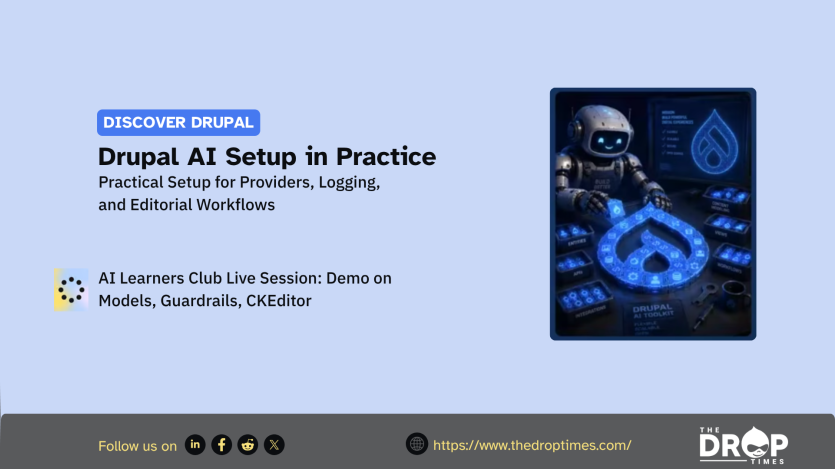
Practical Drupal AI setup was the focus of an AI Learners Club session led by Mike Anello, also known as Ultimike, co-owner of DrupalEasy. Amber Matz, developer advocate at Tugboat, hosted the hands-on walkthrough. The demo used a fresh Drupal 11 site and covered provider configuration, logging, model defaults, guardrails, and CKEditor tools.
The session matters because it treated AI configuration as a set of Drupal architecture choices rather than a single connection to one large language model provider. Mike explained that the AI module abstracts provider access so Drupal functionality is not tied only to OpenAI, Anthropic, Gemini, or another service. He also showed how one site can use different providers and models for different AI operations.
Mike showed a setup using the AI module, AI Core, and the Key module dependency. He also used provider modules for the amazee.ai Private AI Provider, Anthropic Provider, and Ollama Provider. The demo used these providers to show how Drupal can connect to hosted and local AI backends without assigning every feature to one service.
Credential handling formed part of the setup discussion. Mike said the Key module can store API keys, but warned that production sites should not store keys in Drupal configuration. He pointed to safer approaches such as file-based storage, environment variables, or state variables.
The walkthrough then moved into testing and observability. Mike enabled AI Logging and the AI API Explorer to compare prompts across providers and models. He used the explorer to test outputs, inspect responses, and identify the smallest model that could perform a task before assigning defaults for capabilities such as chat, embeddings, moderation, image vision, and function calling.
Moderation and guardrails were presented as separate controls. Provider-level moderation checks prompts against a provider’s policy rules before Drupal continues the AI operation. Drupal-side guardrails can restrict prompts and responses within a site’s own context, including by topic, regular expression, or prompt length.
The final part of the walkthrough brought AI into the editorial interface through the AI CKEditor integration. Mike configured the tool under text formats and editors, added the AI button to the CKEditor toolbar, and demonstrated actions such as generating text from inside the editor. He also emphasised that editors should review, revise, and own AI output before saving it.
Cost and efficiency remained recurring themes in the session. Mike encouraged participants to use testing tools before assigning larger or newer models to routine tasks such as summarisation, tone changes, or tag suggestions. The session closed with Amber directing participants to continue the discussion in the Drupal Slack AI Learners channel and complete the feedback form.
ASK: Drupal Community Needs Your Support
View all →
Disclosure: This content is produced with the assistance of AI.
Note: The vision of this web portal is to help promote news and stories around the Drupal community and promote and celebrate the people and organizations in the community. We strive to create and distribute our content based on these content policy. If you see any omission/variation on this please reach out to us at #thedroptimes channel on Drupal Slack and we will try to address the issue as best we can.

Related Drupal Initiatives

Related People


You may also like