WebWash Tutorial Explains Views in Drupal CMS

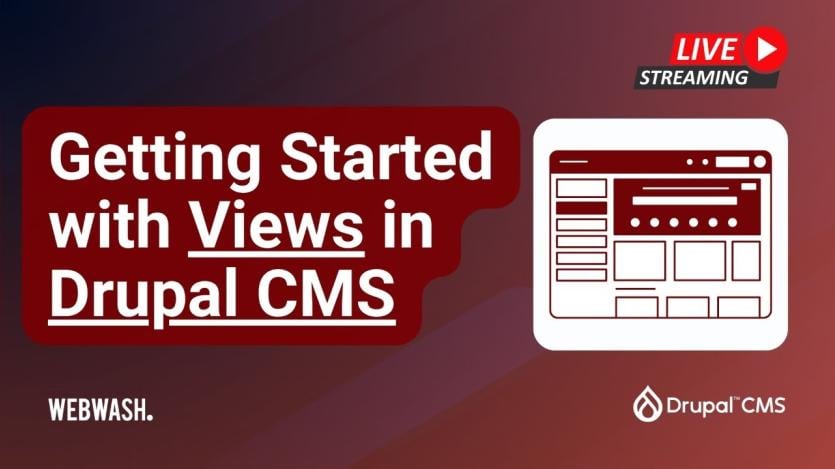
Building controlled content listings in Drupal CMS often starts with Views, the query builder site builders use to select content and control how results appear without writing SQL. A WebWash tutorial by Ivan Zugec, titled Getting Started with Views in Drupal CMS, explains how Views powers content listings, the Content and People administration pages, moderation screens, site-template components, and Drupal Canvas block components. The source article was published on 21 June 2026 after a related livestream on 20 June 2026.
The guide walks through creating a “Latest content” page view, selecting Content as the base query, and configuring displays, fields, filters, sorts, headers, footers, no-results messages, permissions, and pagers. It explains that the base query cannot be changed after the view is saved, while display settings and sort criteria can be adjusted later. It also covers formatter choices for images, dates, entity references, and body excerpts, along with rewrite tokens such as {{ uid }} and {{ created }}.
The tutorial shows how exposed filters and sorts let visitors refine content lists, and it notes that the Better Exposed Filters module can replace multi-select controls with checkboxes or radio buttons. It also explains pager choices, including continuous loading through Views Infinite Scroll with AJAX enabled. The final sections show how a block display becomes available as a Canvas component, how relationships can pull author information from user entities, and how a backend projects page under admin/content can use administration-theme settings, operations links, exposed publication filters, and restricted permissions.
ASK: Drupal Community Needs Your Support
View all →
Disclosure: This content is produced with the assistance of AI.
Disclaimer: The opinions expressed in this story do not necessarily represent that of TheDropTimes. We regularly share third-party blog posts that feature Drupal in good faith. TDT recommends Reader's discretion while consuming such content, as the veracity/authenticity of the story depends on the blogger and their motives.
Note: The vision of this web portal is to help promote news and stories around the Drupal community and promote and celebrate the people and organizations in the community. We strive to create and distribute our content based on these content policy. If you see any omission/variation on this please reach out to us at #thedroptimes channel on Drupal Slack and we will try to address the issue as best we can.

Related Organizations

Related People


You may also like